
Install Downloader
Step 1: Go to Play Storeand then click on the Search button. Search for Downloader
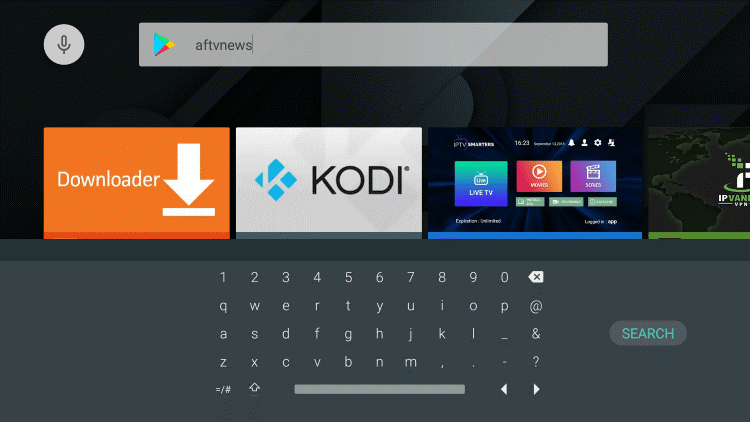
Step 2: Select Downloader from the list of options and click Download. Now Downloader will install onto your Android Box
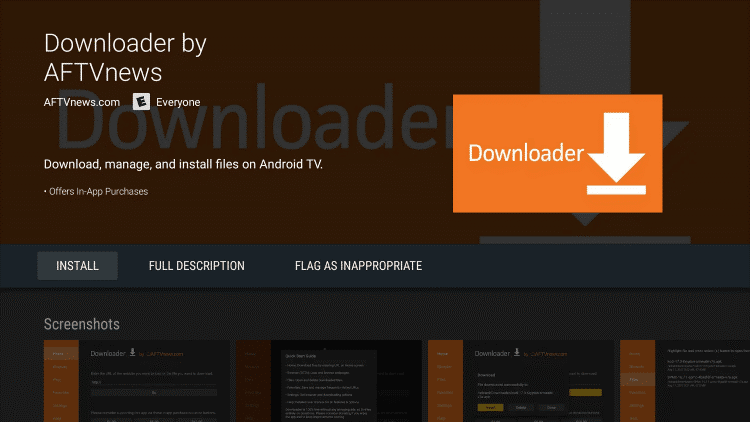
Step 3: Click on Open to open the Downloader app
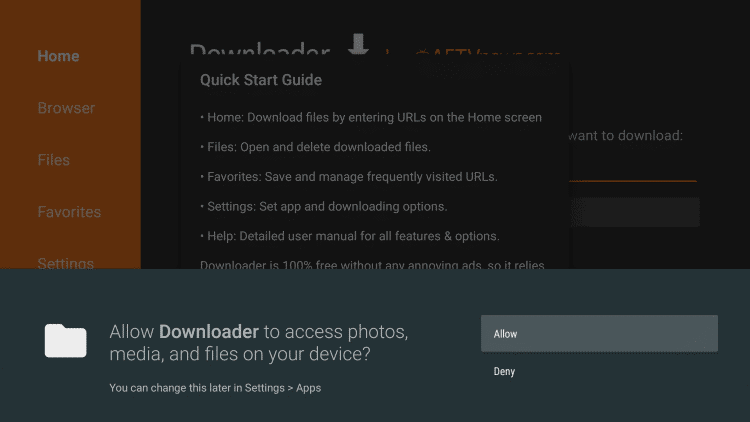
Step 4: Once the Downloader app opens, click Allow then click OK
Install Secret App
Step 1: Go to the URL area in Downloader and type in
• For Secret TV:
http://app.secrettv.stream then click Go
• For Secret VOD:
http://vod.secrettv.stream then click Go
Step 2: When prompted, click on Install. Now the app will install onto your Android Box
How to use Secret apps on Android Box
When you launch the app for the first time, you will need to enter your Username and Password which was provided to you.
Once you enter all of your credentials, click on Login
You’re all set, enjoy!